Governed chains
Company presets or custom paths from your Microsoft directory — with stage progress everyone can see.
- Pick a preset or build a custom path
- Attach the document once
- Return, reject, vet, or add an approver mid-flight



Chainline
Document approvals for Microsoft 365. Governed chains in Entra ID and Teams — audit-ready by default.
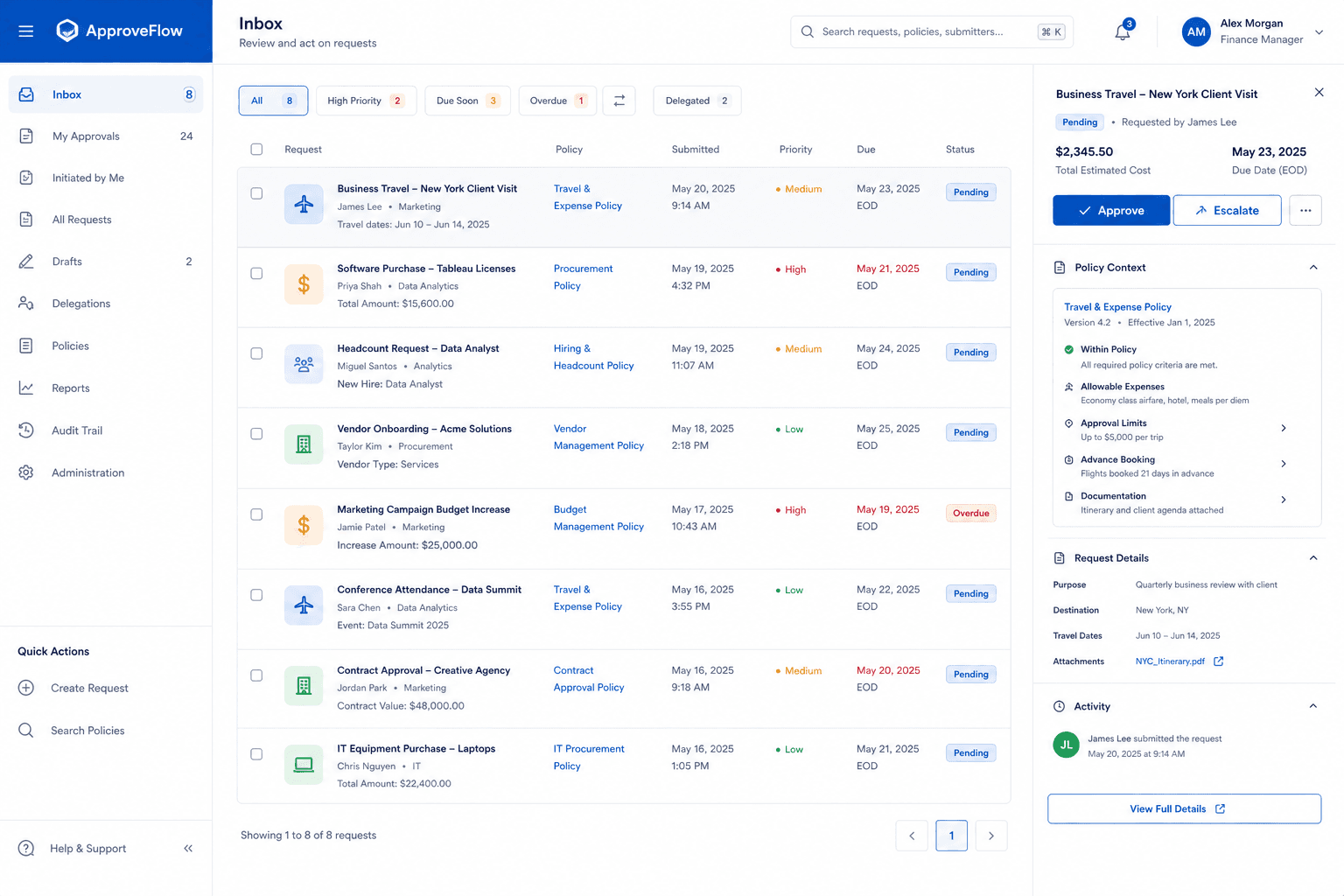
Important documents still bounce through inboxes and chat threads. Approvers change mid-flight. Versions multiply. When audit asks who signed off, the answer is a scavenger hunt. Simple Approvals and Flow apps do not cover presets, vetting, and auditor separation.
Company presets or custom paths from your Microsoft directory — with stage progress everyone can see.
Notifications and a Teams personal tab keep decisions in the Microsoft estate your users already trust.
Trails, roles, and exports without bolting on a second system. Auditors review without editing live decisions.
Draft and submit with title, description, and attachment. Resubmit after reject with a documented response.
Your organisation’s Entra ID. No separate Chainline password.
Pick a company preset or build a custom path with people search. Attach the document.
Approvers approve, return to a prior stage, reject for resubmit, request vetting, or add an approver.
Each action is recorded. Auditors review without editing. Files stay private with short-lived access links.
Microsoft Entra ID — SSO and directory
Microsoft Teams — notifications and personal tab
Microsoft Graph — people picker and chat notifications
Organisations that outgrew email and one-size Approvals apps
Security and audit teams that need a durable sign-off trail
Microsoft 365 tenants that want approvals inside Entra and Teams
Integration
Built for Microsoft 365 (Entra ID, Teams, Graph)
Hosting
Dedicated deployment options for serious buyers
Training
Admin centre Teams app package for deployment
Pricing
Contact for quote
Brochure
Open a quick preview of the chainline brochure, then download the file for offline sharing with your team.



Authentication is Microsoft-only. Files are not parked on public URLs. Actions leave a trail.